
Create, Save & Receive Custom Reports
Creating and saving customized reports is an easy, yet powerful tool to help you view student data, track stats and enrollments, and much more.
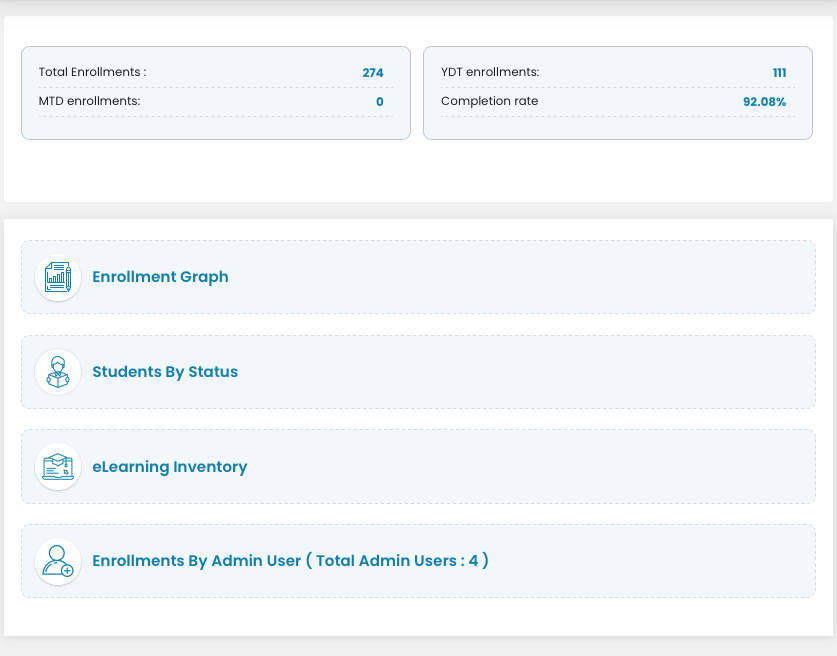
The Create Report feature is found at the bottom of each admin / super admin dashboard. There are several filters and options you can use in creating reports. There are default reports you can view from the Reports screen. We encourage you to refer to them often. If your account is using inventory, one report tells you how much inventory you have; if you account is using an annual license, you can see when the license is set to renew/expire.
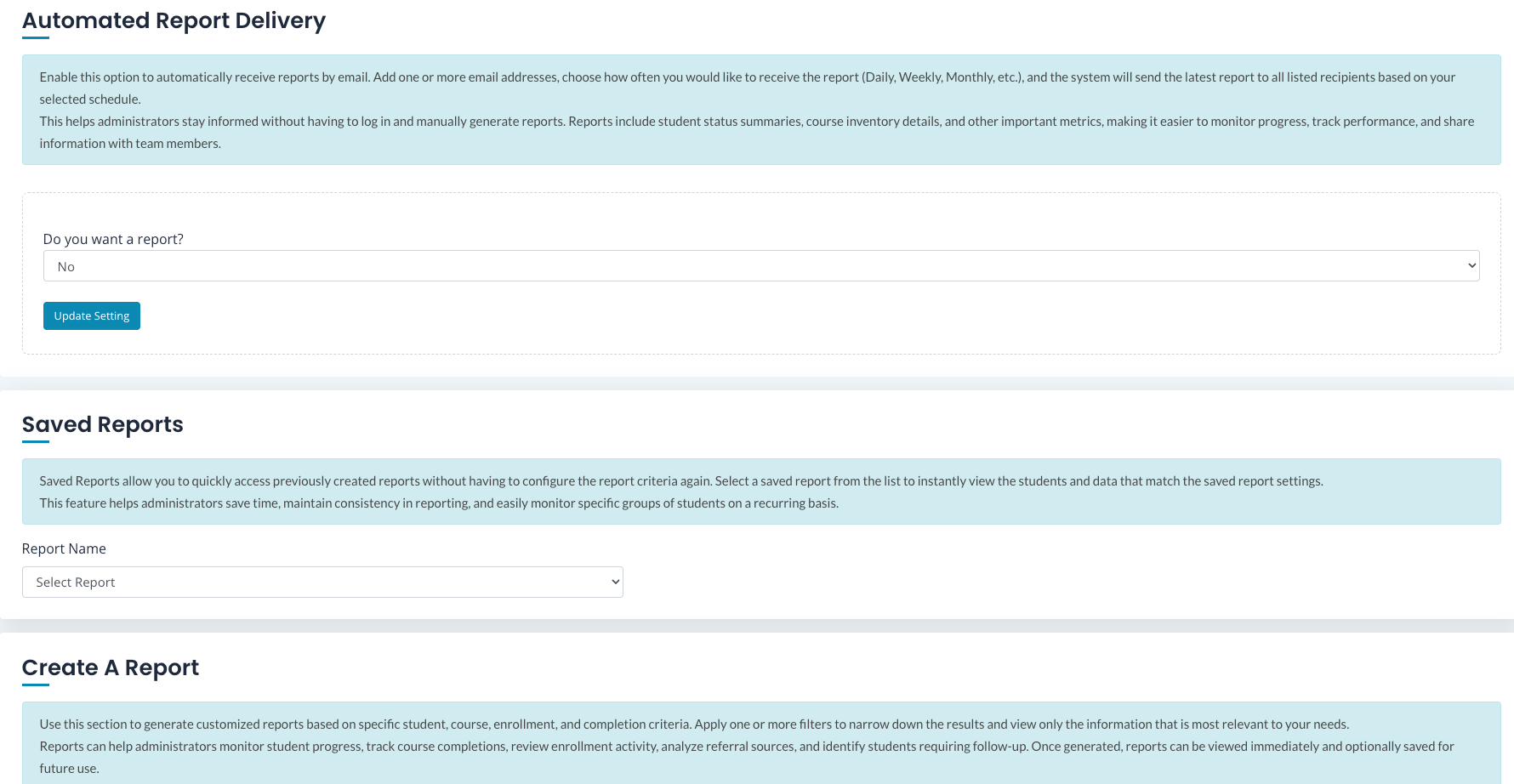
You can save the reports you plan to use regularly. Saved Reports are found by clicking on your initials and selecting Saved Reports.
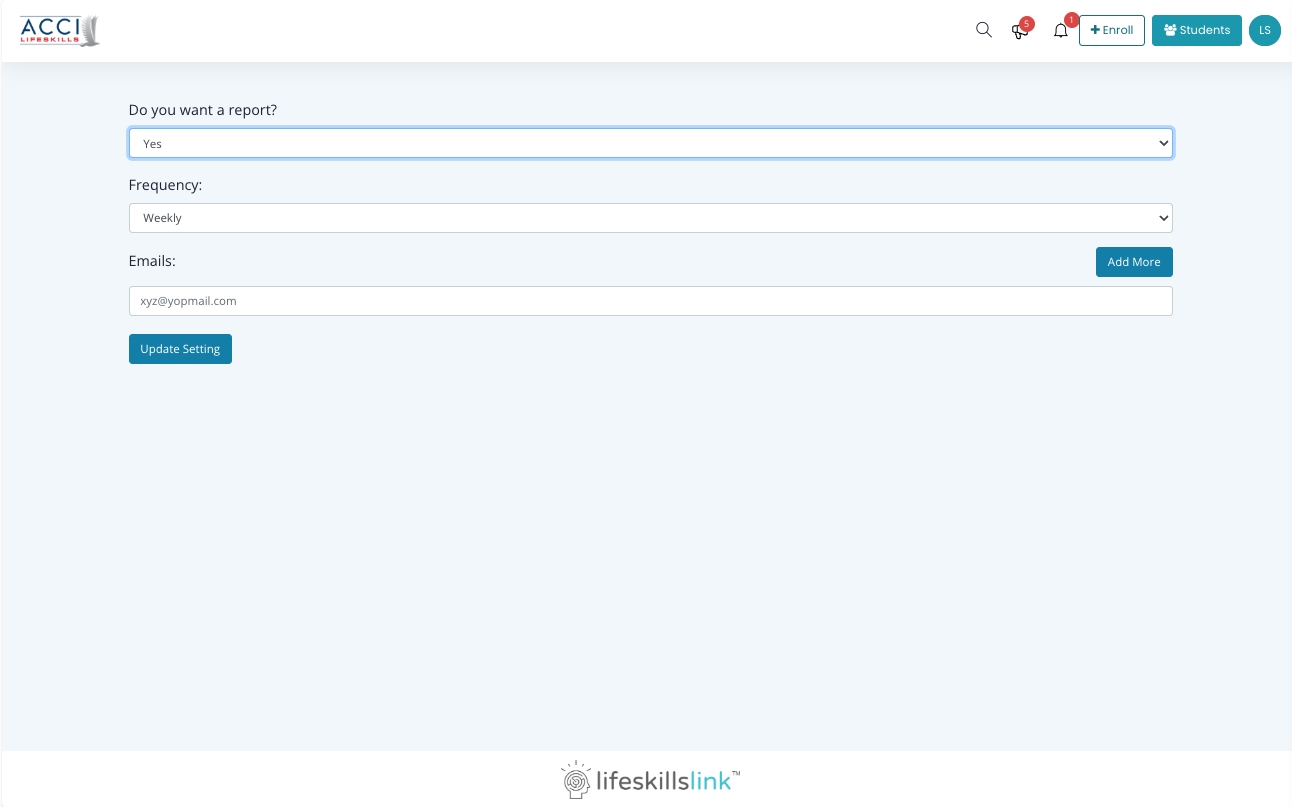
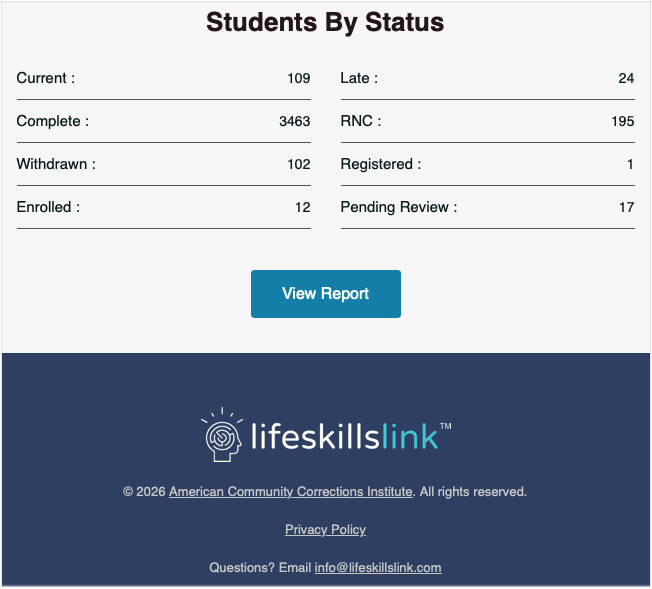
Super Admins and Admins have the option to receive reports via email. It’s easy to set up, and makes it so you don’t have to login each time you want to view a report!